Uninstalling Slony
This section walks you through uninstalling Slony Replication.
Uninstalling Slony Replication on a RHEL/CentOS Host
To uninstall Slony Replication on a RHEL/CentOS host, assume identity of the root user and invoke the following command:
On RHEL/CentOS 6 and 7:
yum remove edb-as<xx>-slony-replication*
where <xx> is the Advanced Server version.
Note
To uninstall Slony Replication for Advanced Server 9.5 version, you need to execute the yum remove ppas95-replication command.
On RHEL/CentOS 8:
dnf remove edb-as<xx>-slony-replication*
Uninstalling Slony Replication on a Debian or Ubuntu Host
To uninstall Slony Replication on a Debian or Ubuntu host, invoke the following command:
apt-get remove edb-as<xx>-slony-replication*
where <xx> is the Advanced Server version.
Note
To uninstall Slony Replication for Advanced Server 9.5 version, you need to execute the apt-get remove ppas95-replication command.
Uninstalling Slony Replication on a Windows Host
The Slony Replication graphical installer creates an uninstaller in the installation directory.
To uninstall Slony Replication on a Windows Host:
Navigate into the installation directory that contains the uninstaller and assume superuser privileges. Open the uninstaller and click
Yesto begin uninstalling Slony Replication:
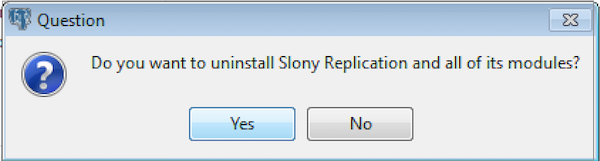
The Slony Replication Uninstaller
The uninstallation process begins. Click
OKonce the process completes.
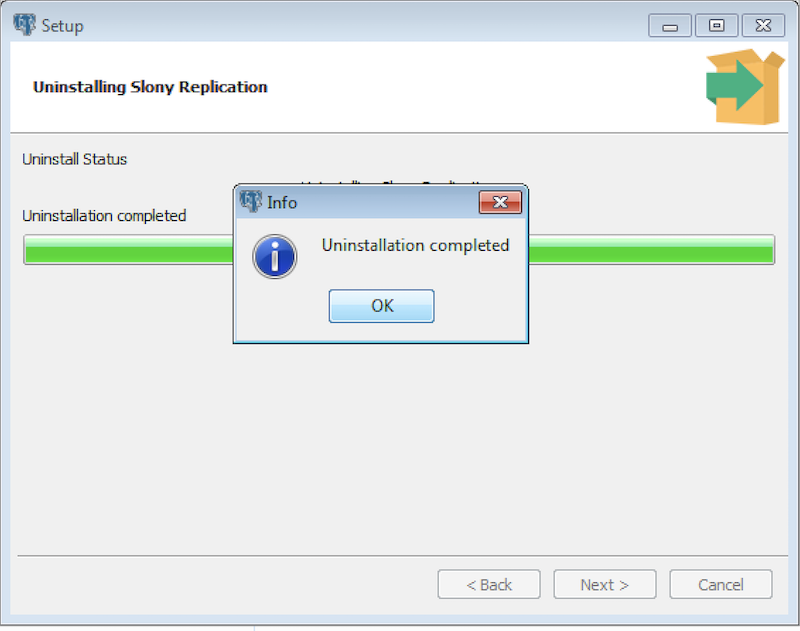
Uninstallation completes