Installing on Mac OS X
You can use the graphical installer to install the Migration Toolkit on Mac OS X. To download the installer, visit the Downloads page .
To launch the installer:
Navigate to the file path in the terminal:
/User/Directory>/Downloads/edb-migrationtoolkit-55.2.0-1-osx.app/Contents/MacOS
Assume superuser privileges and invoke the following command:
./installbuilder.sh
On the
Language Selectionpopup, select an installation language and selectOKto continue to theSetupwindow.The Migration Toolkit installation wizard opens. Select
Nextto continue.
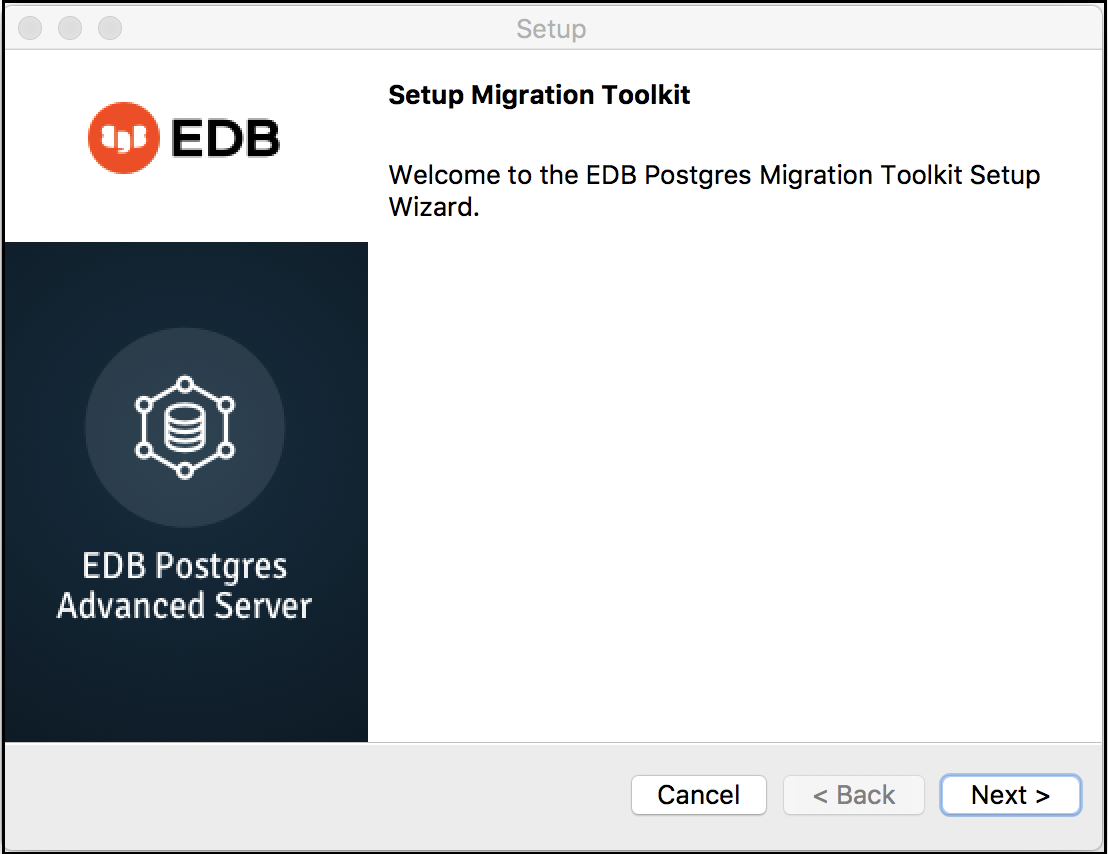
The Migration Toolkit installation wizard.
The Migration Toolkit installation wizard*
Carefully review the license agreement before highlighting the appropriate radio button; select
Nextto continue.
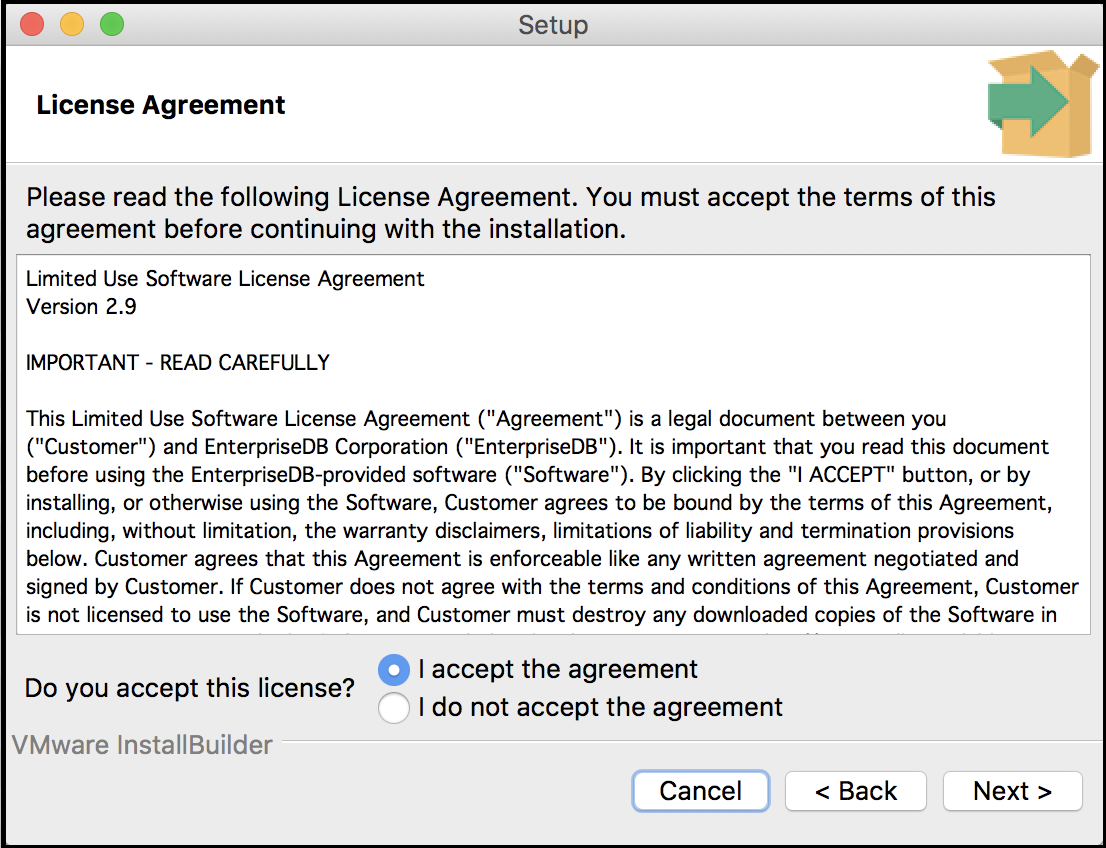
The EnterpriseDB license agreement.
The EnterpriseDB license agreement*
By default, Migration Toolkit will be installed in the mtk
directory; accept the default installation directory as displayed, or
modify the directory, and select Next to continue.
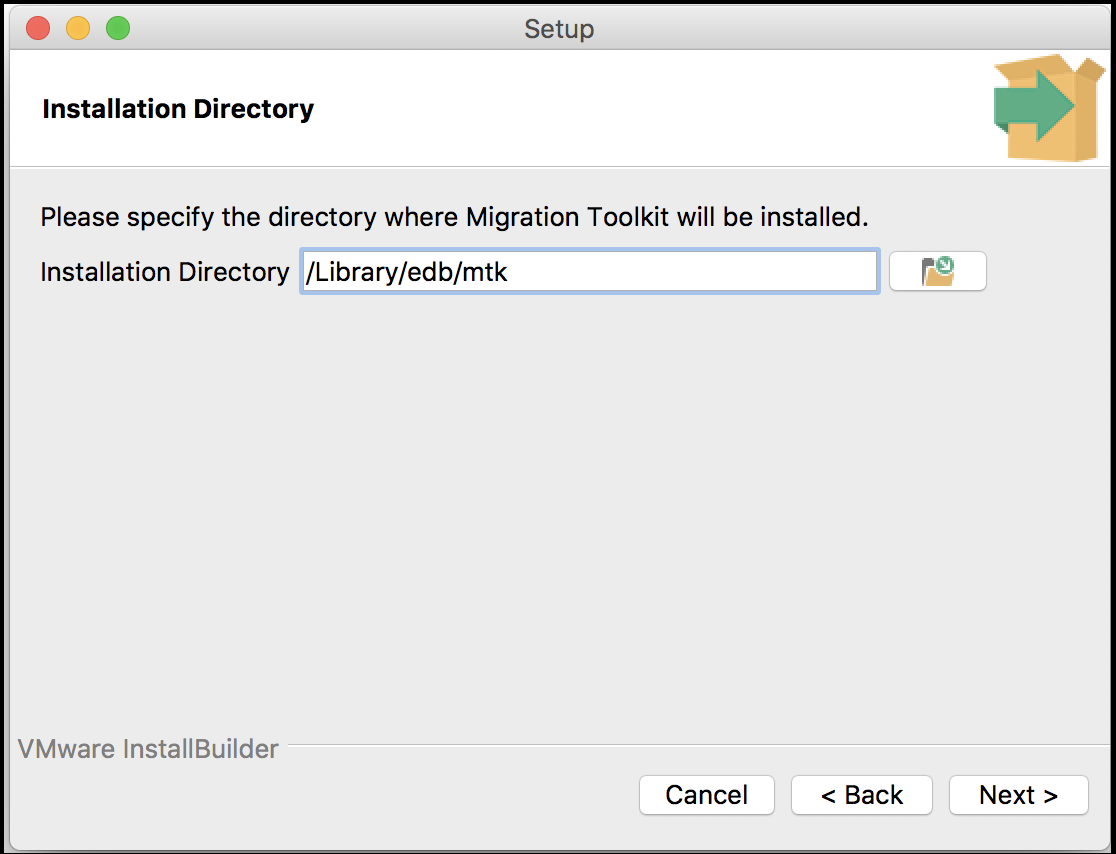
Specify a Migration Toolkit installation directory.
Specify a Migration Toolkit installation directory*
The installation wizard confirms that the Setup program is ready to
install Migration Toolkit; select Next to start the installation.

Setup is ready to start the Migration Toolkit installation.
Setup is ready to start the Migration Toolkit installation*
A dialog confirms that the Migration Toolkit installation is complete;
select Finish to exit the Migration Toolkit installer.

The Migration Toolkit wizard has finished.
The Migration Toolkit wizard has finished.*
After installing Migration Toolkit, you must install the appropriate JDBC drivers before performing a migration. See Installing a JDBC driver for more information.
Note
The EDB JDBC driver is not available for Mac OS.