Installing Migration Toolkit on Mac OS X
You can use the graphical installer to install the Migration Toolkit on Mac OS X. To download the installer, visit www.enterprisedb.com.
To launch the installer:
Navigate to the file path in the terminal:
/<User/Directory>/Downloads/edb-migrationtoolkit-54.0.0-1-osx.app/Contents/MacOS
Assume superuser privileges and invoke the following command:
./installbuilder.sh
On the
Language Selectionpopup opens, select an installation language and clickOKto continue to theSetupwindow.The Migration Toolkit installation wizard opens. Click
Nextto continue.
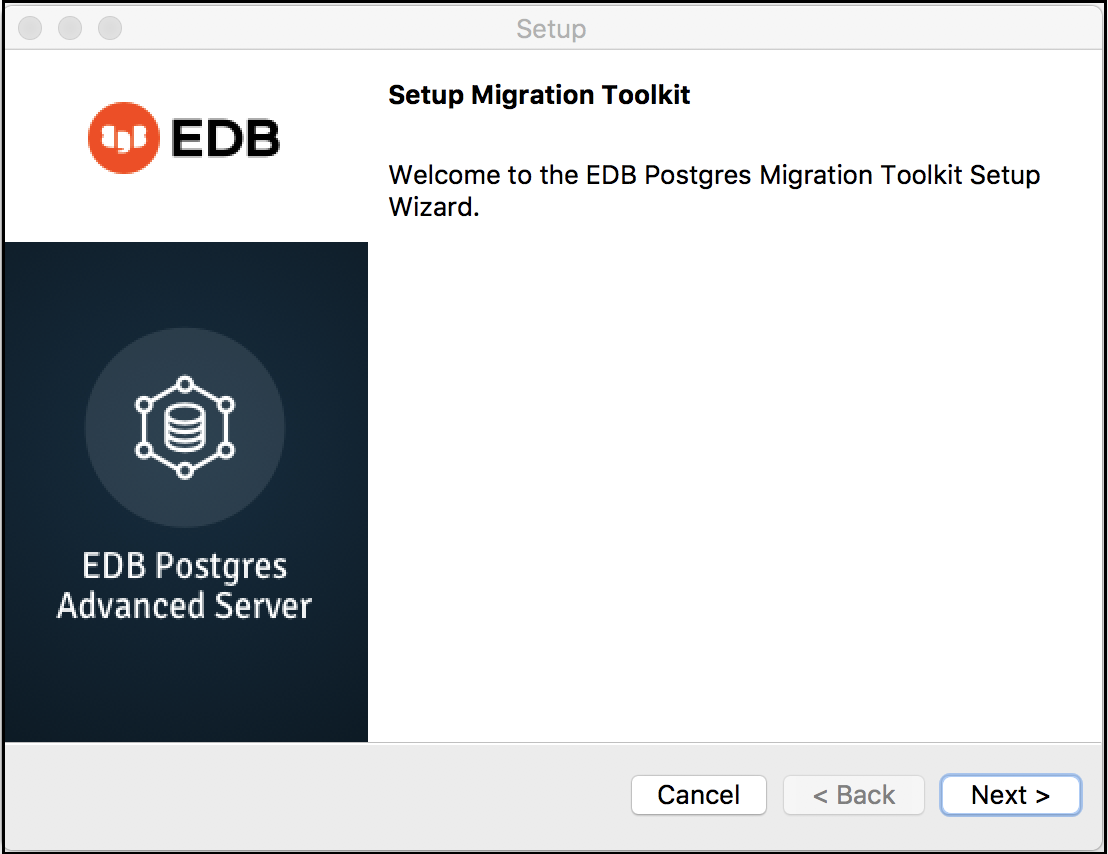
The Migration Toolkit installation wizard.
Carefully review the license agreement before highlighting the appropriate radio button; click
Nextto continue.
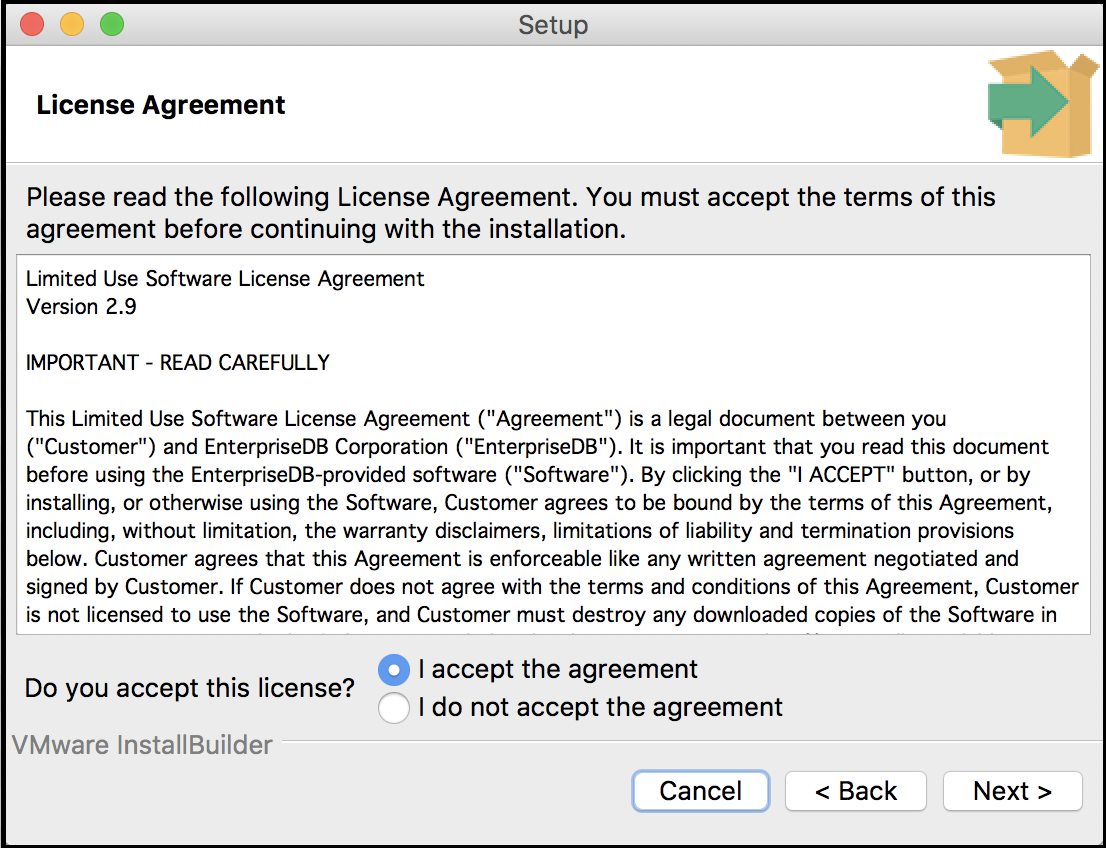
The EnterpriseDB license agreement.
By default, Migration Toolkit will be installed in the mtk directory;
accept the default installation directory as displayed, or modify the
directory, and click Next to continue.
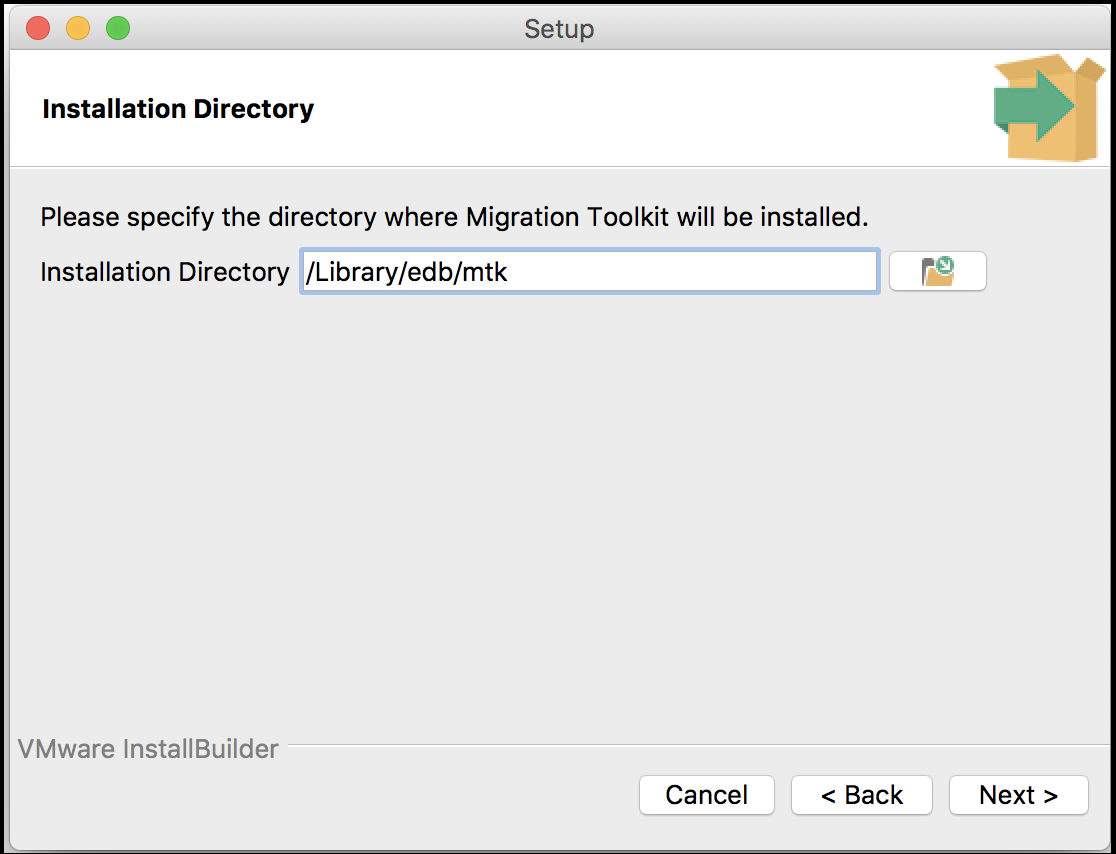
Specify a Migration Toolkit installation directory.
The installation wizard confirms that the Setup program is ready to
install Migration Toolkit; click Next to start
the installation.
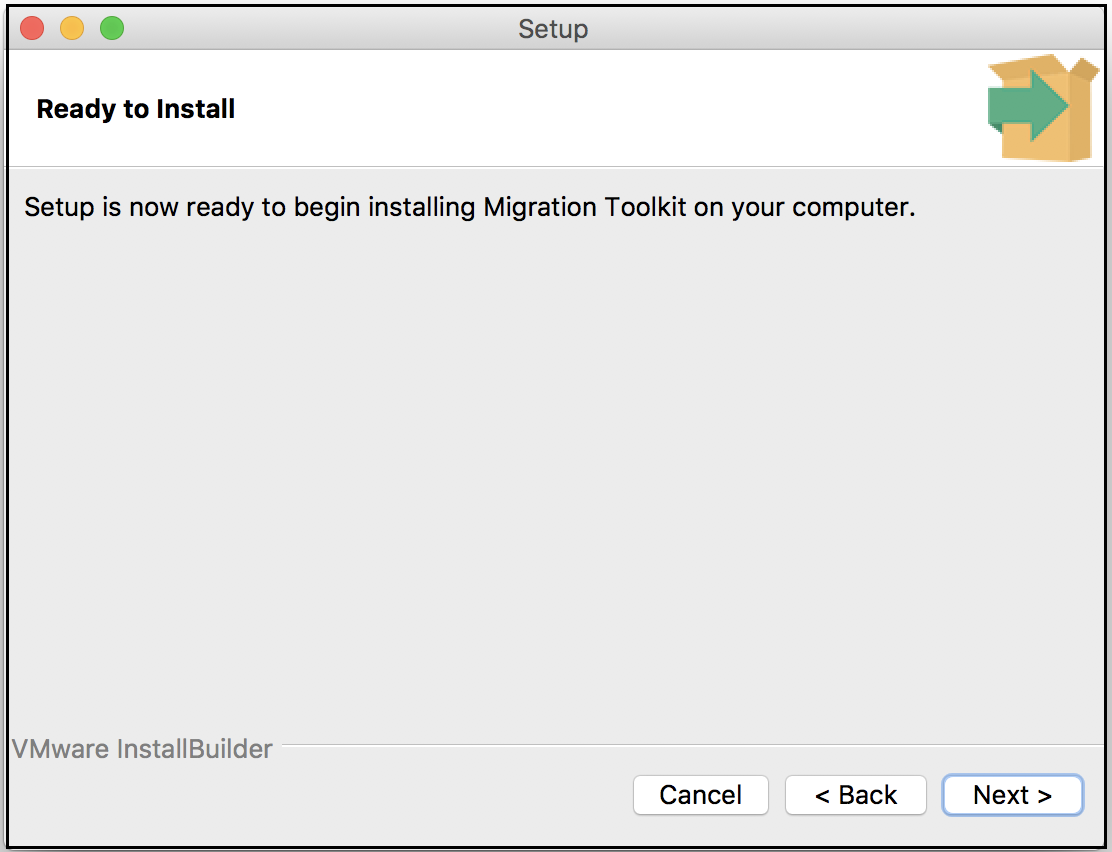
Setup is ready to start the Migration Toolkit installation.
A dialog confirms that the Migration Toolkit installation is complete; click
Finish to exit the Migration Toolkit installer.
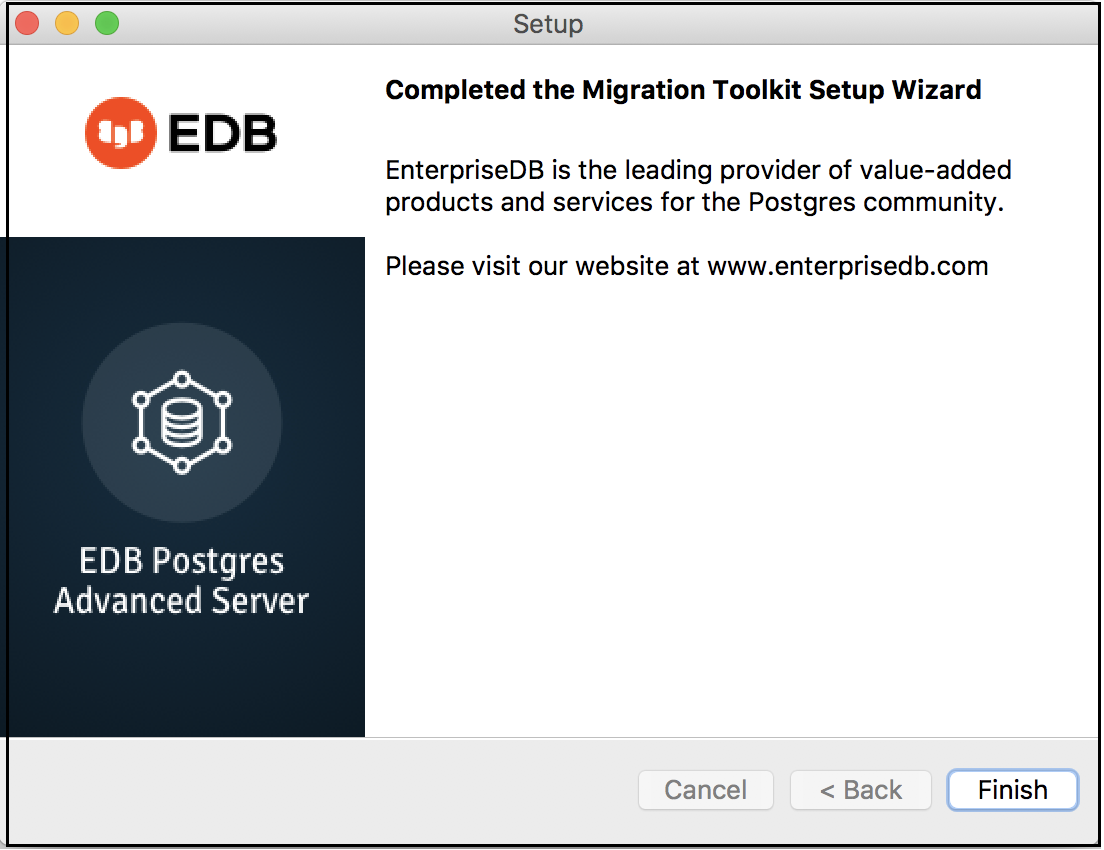
The Migration Toolkit wizard has finished.