Creating Extensions
After installing PostGIS, you can create a template database and create the PostGIS extensions. You must create the extensions in each database in which you will use PostGIS. You should not create the extensions in the postgres or edb database.
Before creating the
postgisdatabase, we recommend that you create a superuser to administer the database. To create the user, navigate into thebindirectory under your Advanced Server installation and connect to the server with the psql client:
./psql -d edb -U enterprisedb -h 127.0.0.1
Then, to create a privileged role, invoke the following command:
CREATE ROLE gisadmin LOGIN PASSWORD 'password' SUPERUSER;
Log out of psql, then connect as
gisadmin:
edb=# \q
./psql -d edb -U gisadmin -h 127.0.0.1
Use the following commands to create the
postgisdatabase owned bygisadmin:
CREATE DATABASE postgis;
Use the
\ccommand to switch to thepostgisdatabase, and use theCREATE EXTENSIONcommand to create the PostGIS Extensions:
\c postgis
CREATE EXTENSION postgis;
CREATE EXTENSION postgis_topology;
CREATE EXTENSION postgis_sfcgal;
CREATE EXTENSION fuzzystrmatch;
CREATE EXTENSION address_standardizer;
CREATE EXTENSION address_standardizer_data_us;
CREATE EXTENSION postgis_tiger_geocoder;
When connected with pgAdmin, you should now see PostGIS extensions, functions, tables, and trigger functions beneath the postgis database public schema.
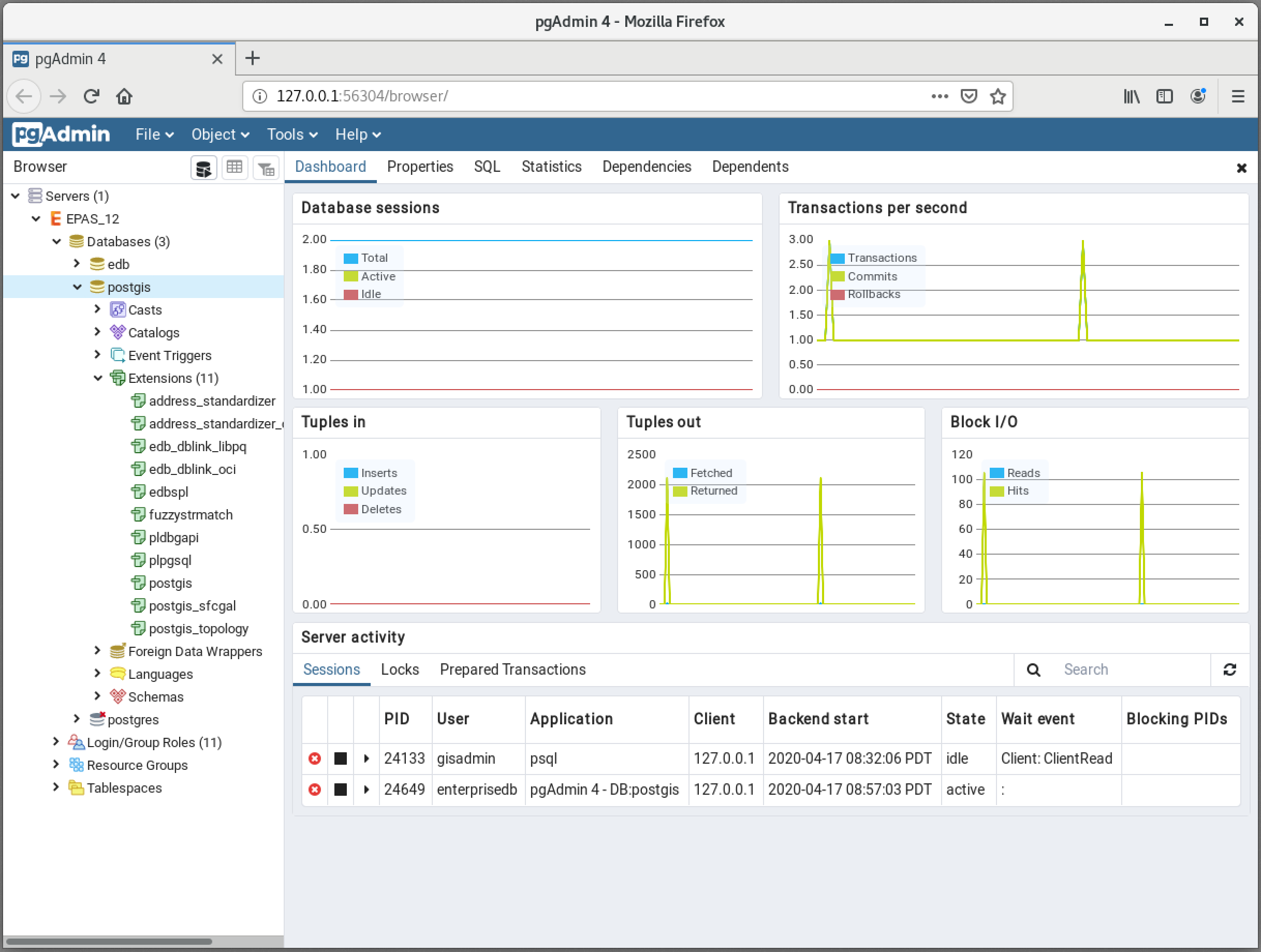
PgAdmin displaying the PostGIS extensions
The postgis database is now geospatially enabled and can be used as a template to create new Geospatial databases.