Uninstalling PostGIS
Uninstalling an RPM
To uninstall PostGIS, assume the identity of the root user and invoke the following command:
yum erase edb-as<xx>-postgis-*<y.y.y>
Where <xx> is the Advanced Server version and <y.y.y> is the PostGIS version you want to uninstall.
Using a Graphical Uninstaller to remove PostGIS
The PostGIS graphical installer creates an uninstaller that you can use to
remove PostGIS. The uninstaller is created in the installation directory that you have specified while installing PostGIS (default is C:\Program Files\edb\as12).
Navigate into the directory that contains the uninstaller and assume superuser privileges. Open the uninstaller and click
Yesto begin uninstalling PostGIS:
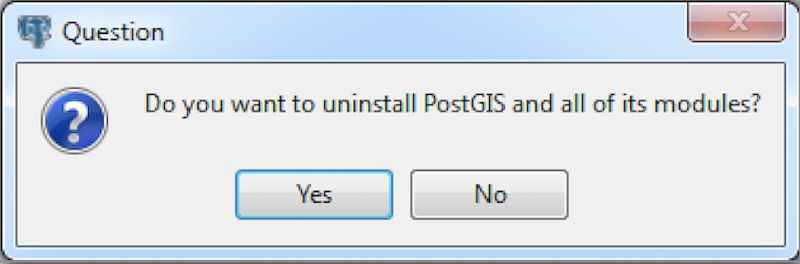
The Uninstaller opens
The uninstallation process begins. Click
OKwhen the uninstallation completes:
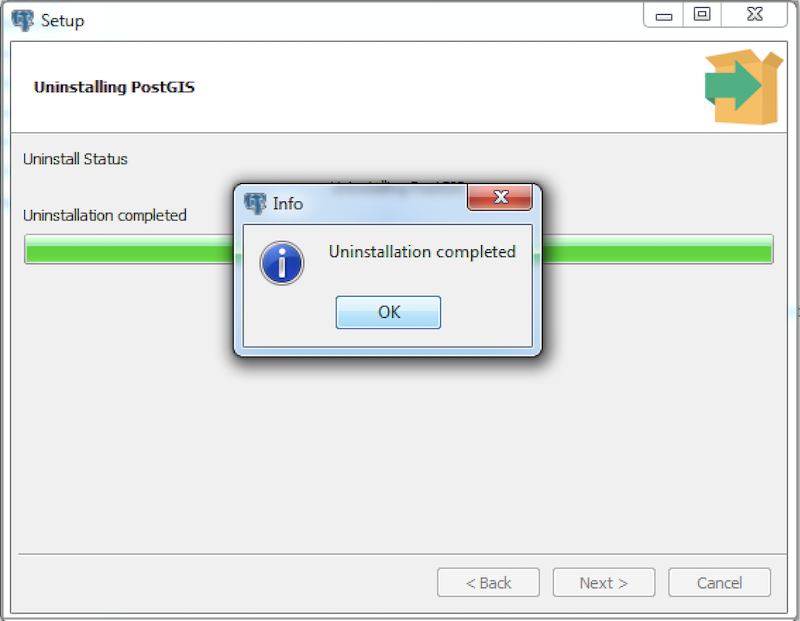
Uninstallation is Complete